
Upload One File with Many Trails
Bulk import a trail system from a single GIS file containing multiple line features.
TrailHUB can create many trails at once from a single GIS file. Supported formats are .gpx, .kml, .kmz, .geojson, and zipped shapefiles (.zip). The file must contain multiple line features; each line becomes its own trail. The import is intended for up to 100 trails per file.
#Attributes TrailHUB reads from your file
Each feature may carry these optional attributes (properties):
- name: any text. Used as the trail name. If missing, the trail is named after the Name you enter in the form, with
_0,_1,_2and so on appended. - difficulty: one of
circle,square,diamond,doubleDiamond,terrainPark, ornotRated. Any other value, or no value, becomesnotRated.
Everything else you set in the form (type, status, description, categories, activities, and line style) is applied to every trail created from the file. You can refine individual trails afterwards with Edit trails or Bulk edit.
#Steps
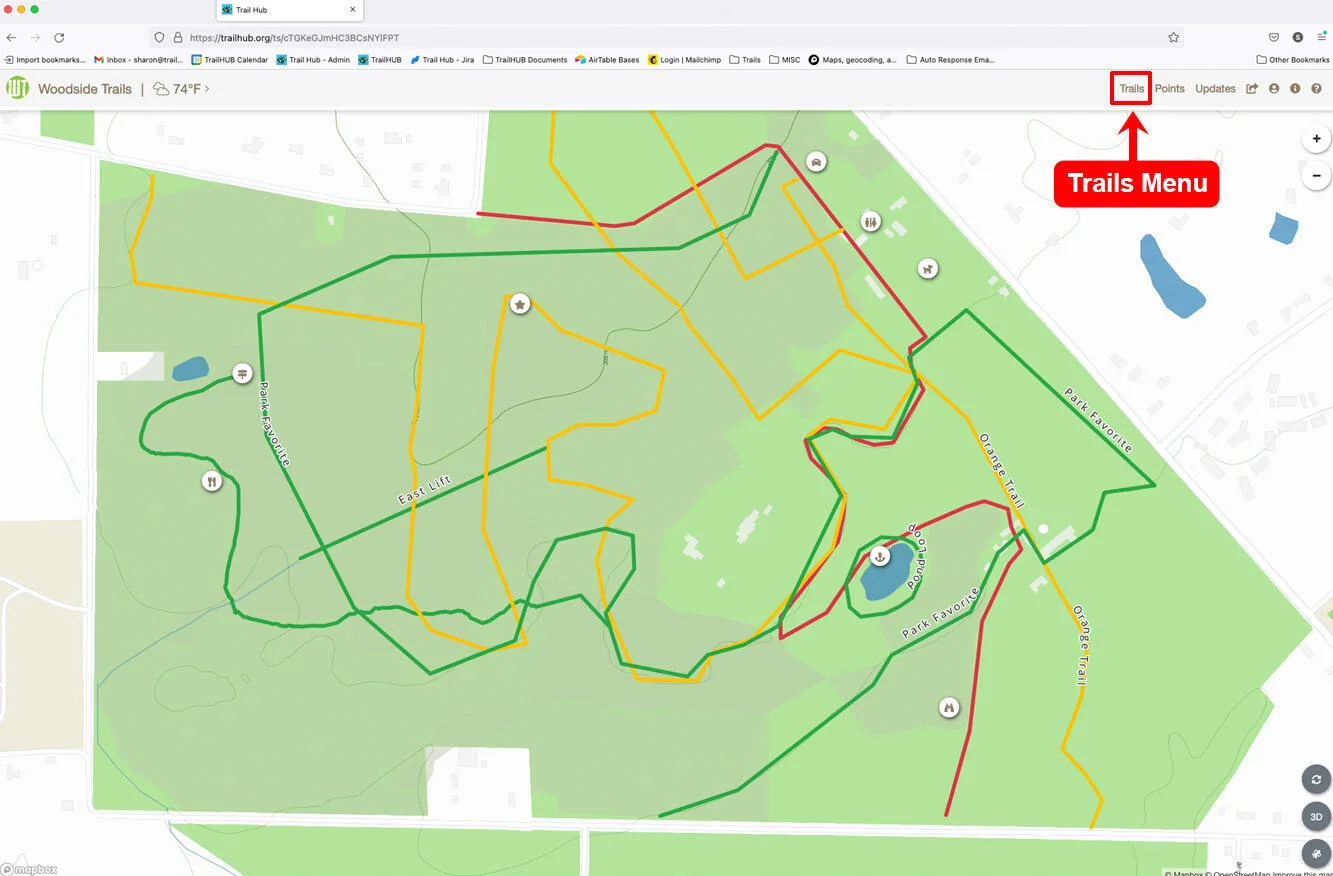
Click Trails in the top navigation bar.
Click New Trail and fill in the fields you want shared by all the imported trails.
Under Import Trail File, click Choose File and select your GIS file. Once a file is selected, a File contains multiple trails checkbox appears. Check it. If you leave it unchecked, all features in the file are combined into a single trail.
Click Save. TrailHUB creates one trail per line feature and then recompiles your trail system.
The multiple-trails option is only available when creating a new trail, not when editing an existing one.