Notification Settings
Choose whether your subscribed trail systems reach you by SMS text, email, or both.
Your notification preferences apply to every trail system you subscribe to. You can receive alerts by SMS text, by email, or both. SMS alerts go to the phone number on your account, so make sure one is entered in your account details.
#Change your preferences
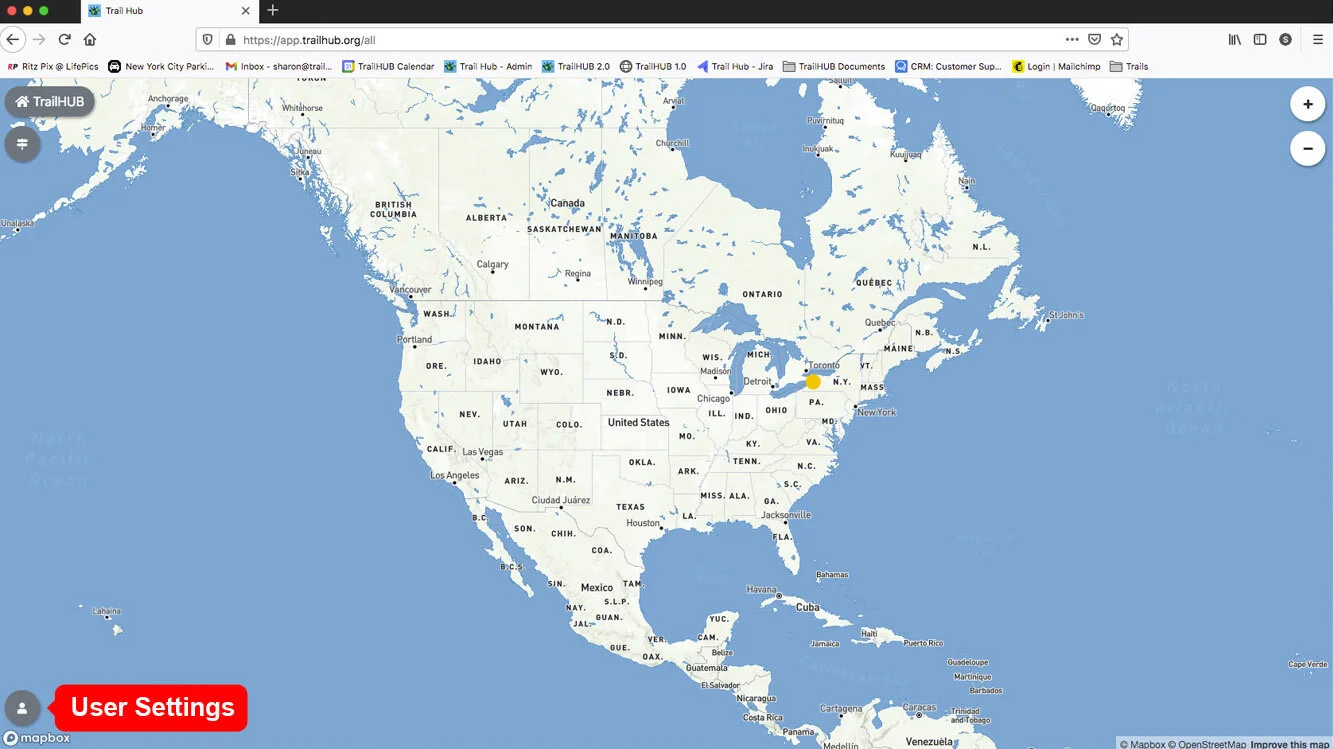
- Open User Settings while signed in to your public account.
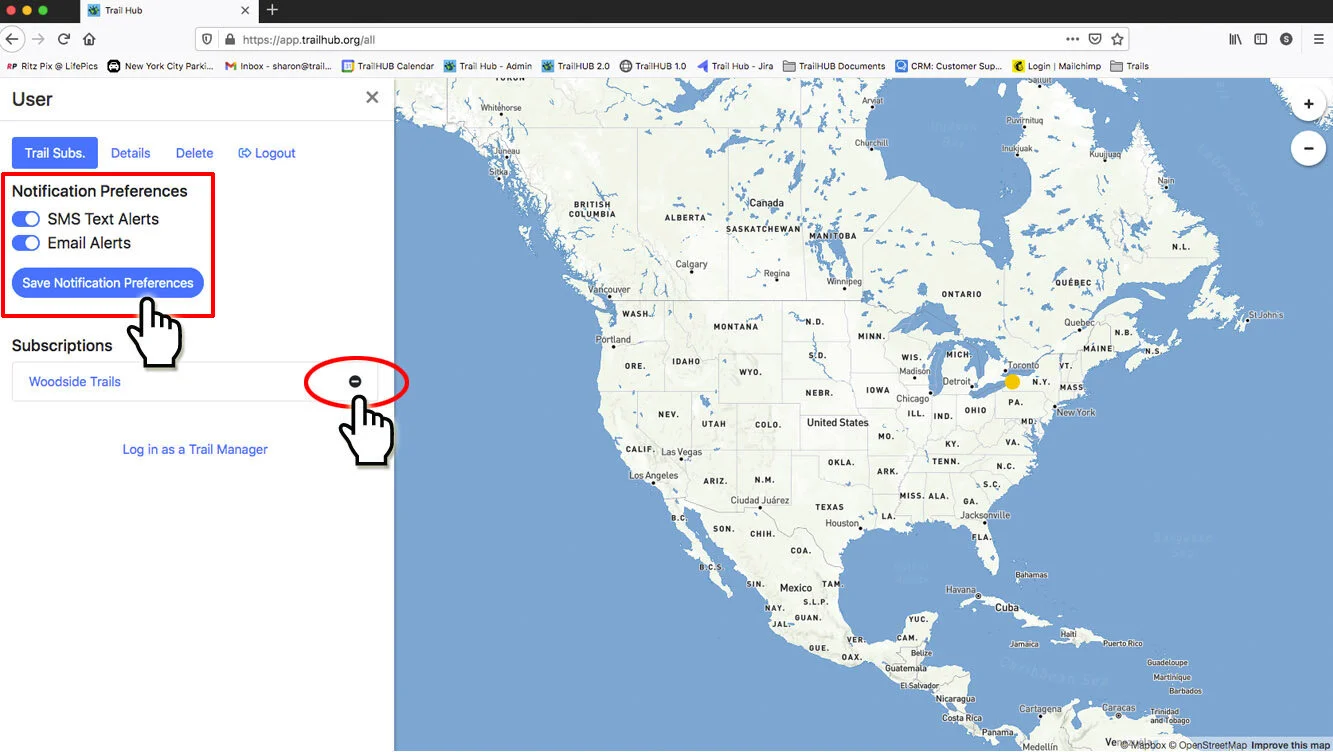
- On the Subscriptions tab, under Notification Preferences, switch SMS Text Alerts and Email Alerts on or off, then select Save Notification Preferences.
#How alerts reach you
- On any trail system, select the trail system's name, then Subscribe to Trail Updates.
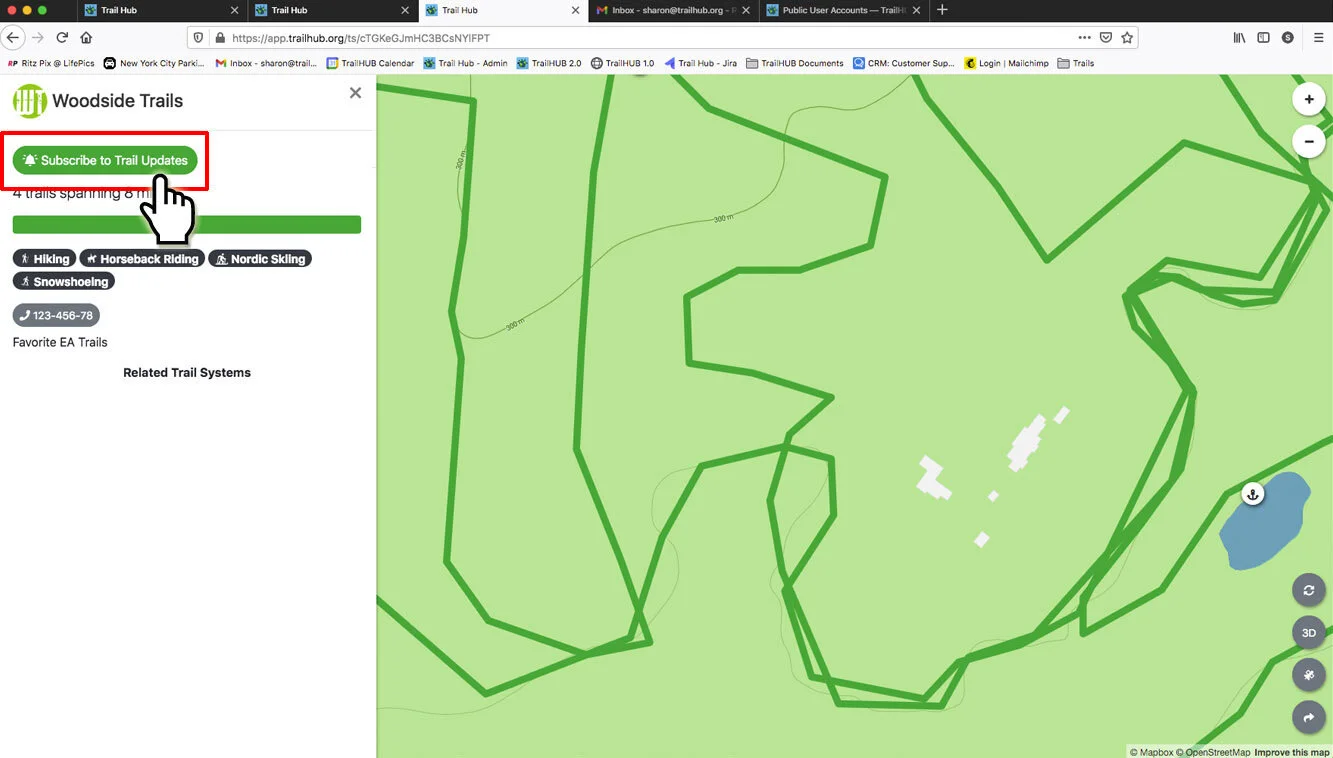
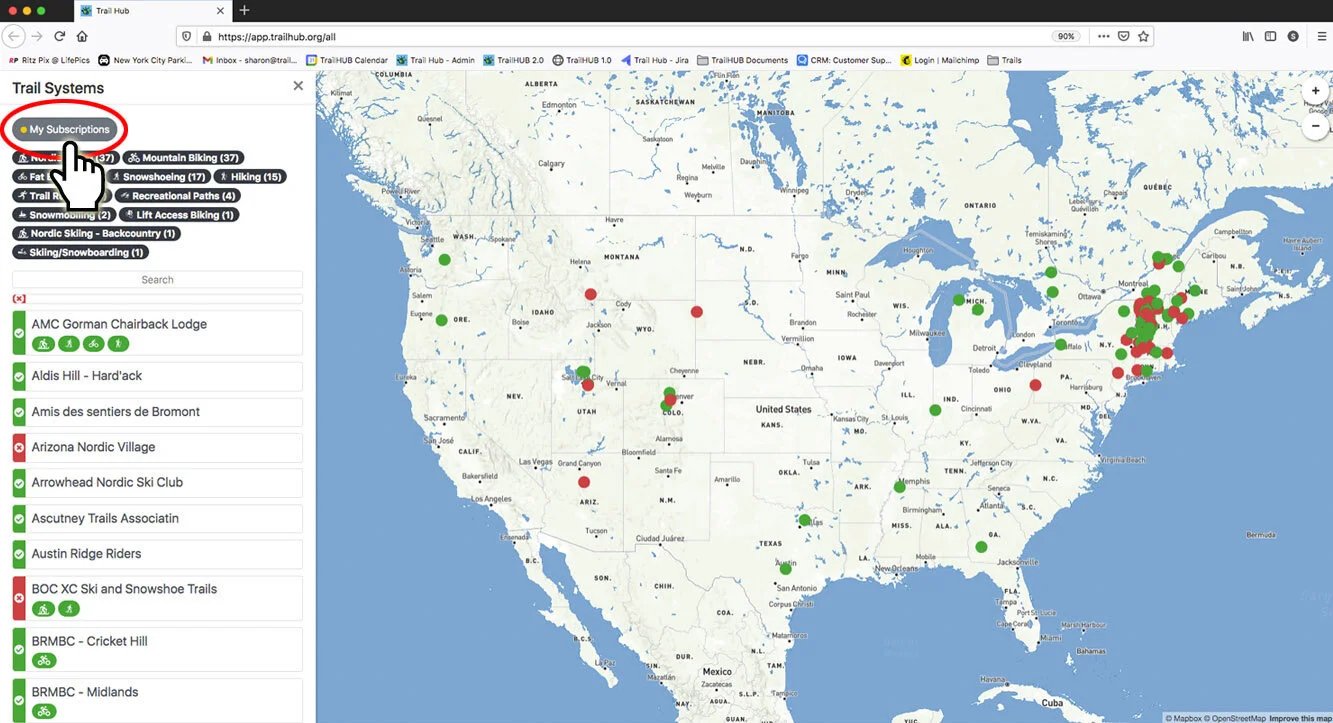
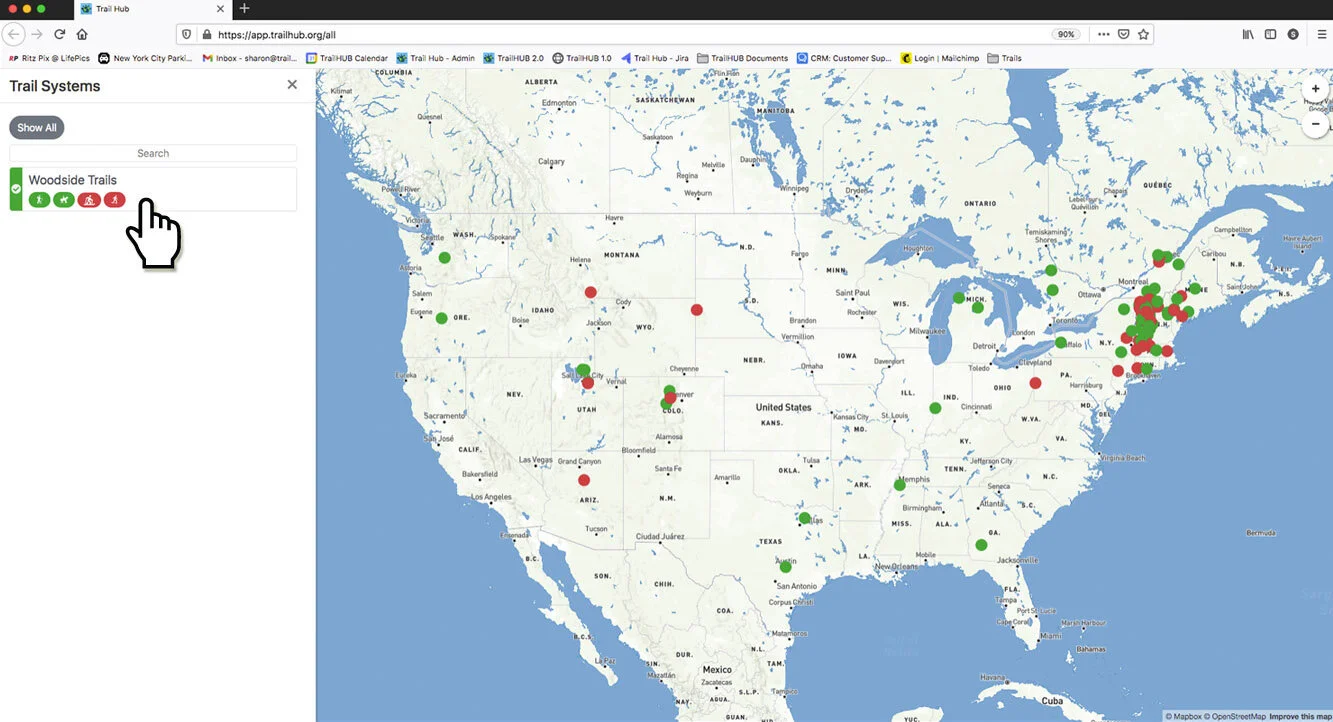
If you are signed in to your public account, the trail system is added to My Subscriptions. If not, you are taken to the sign-in page to log in or create an account, and then returned to the trail system.
From then on, whenever that trail system posts an update with Notify Subscribers switched on, TrailHUB sends you a short message with a link to the trail system, by whichever channels you have enabled. Trail systems do not see your contact details; TrailHUB sends the messages on their behalf.