
Log Out
Sign out of your TrailHUB trail manager account from the User Settings panel.
#Steps
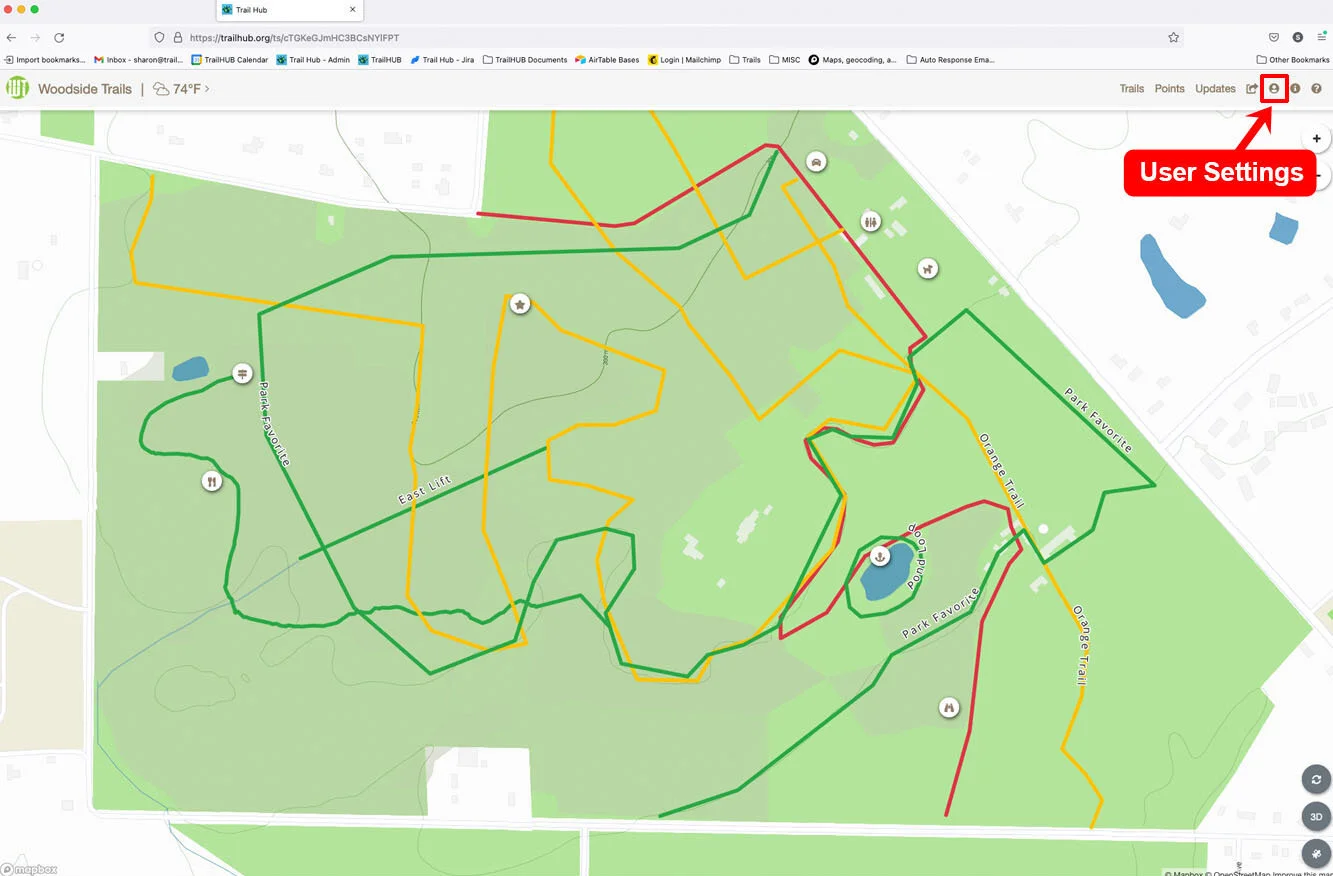
- Select User Settings (the person icon) in the navigation bar.
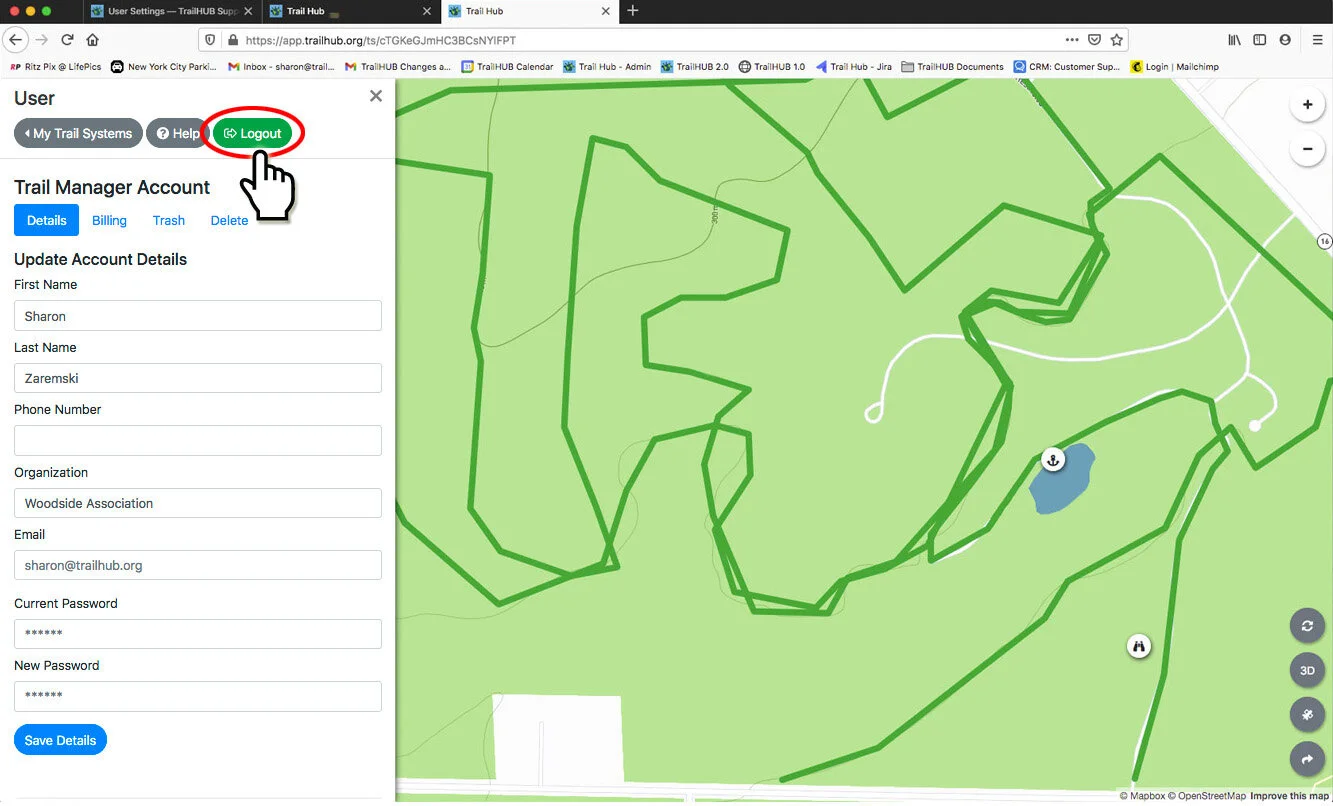
- Select the green Logout button at the top of the panel.
You are returned to the login page. If you have just created an account and want to leave without setting up a trail system (for example, because you are waiting to be invited as a trustee), use the Log out button at the bottom of the Create Trail System form.