Billing, Plans and Trials

How TrailHUB plans, free trials, payment failures and pausing work, and where to manage your card, invoices and subscription.

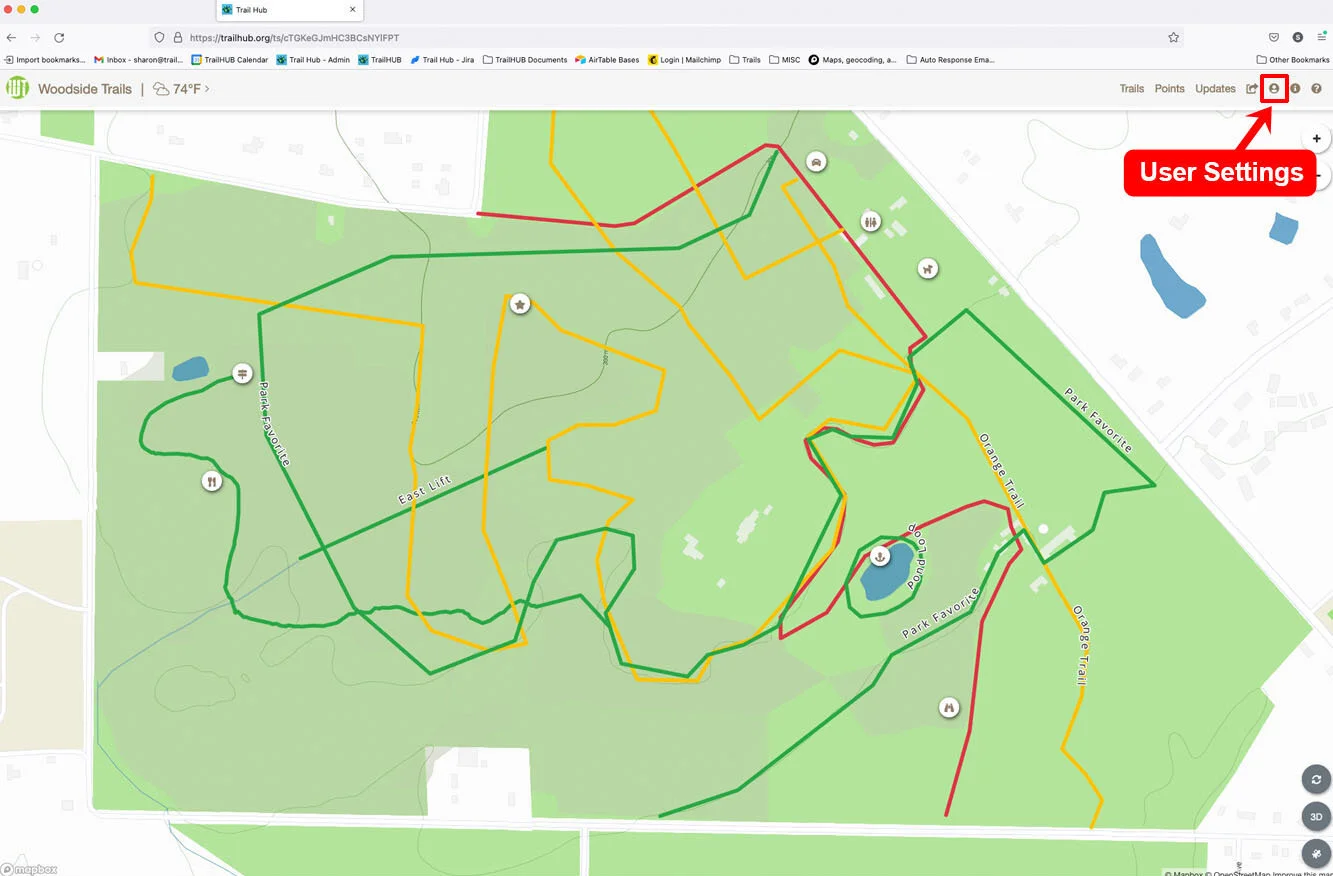
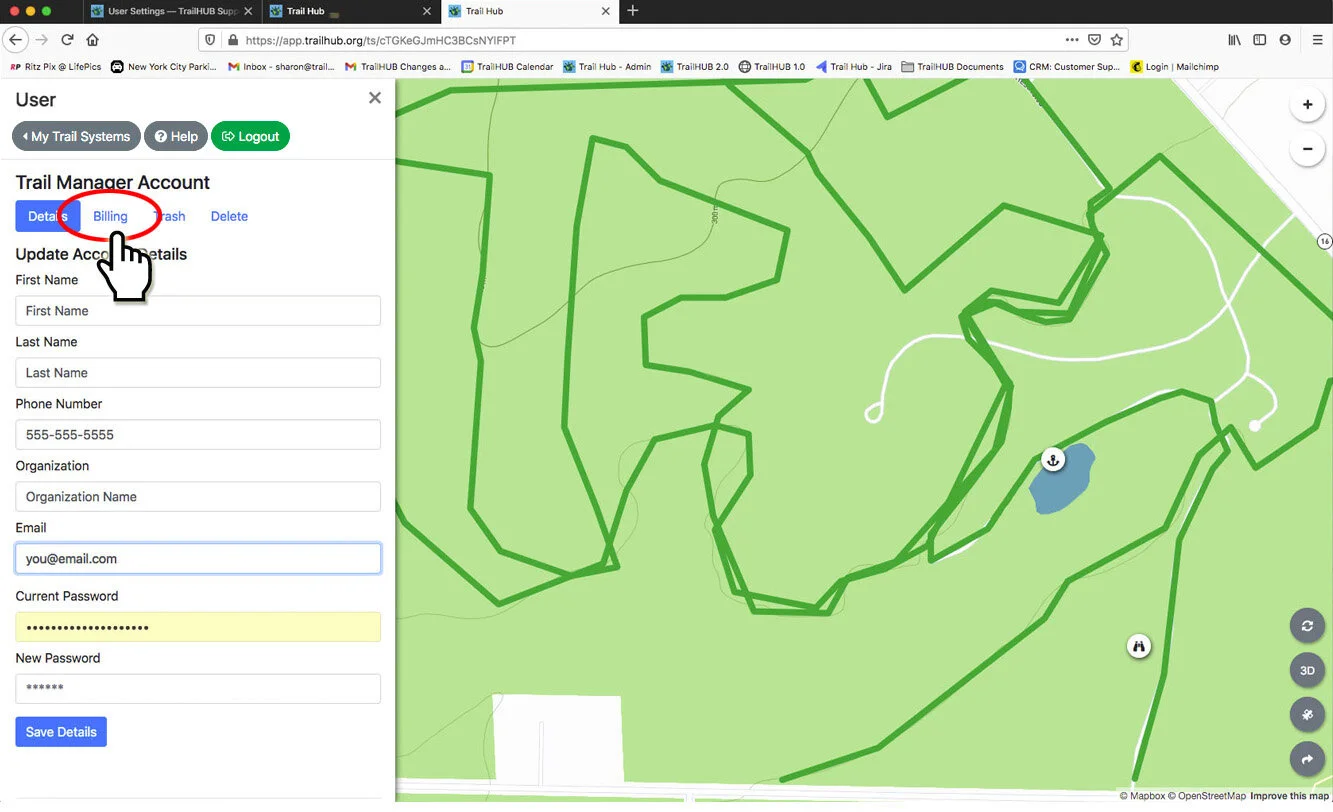
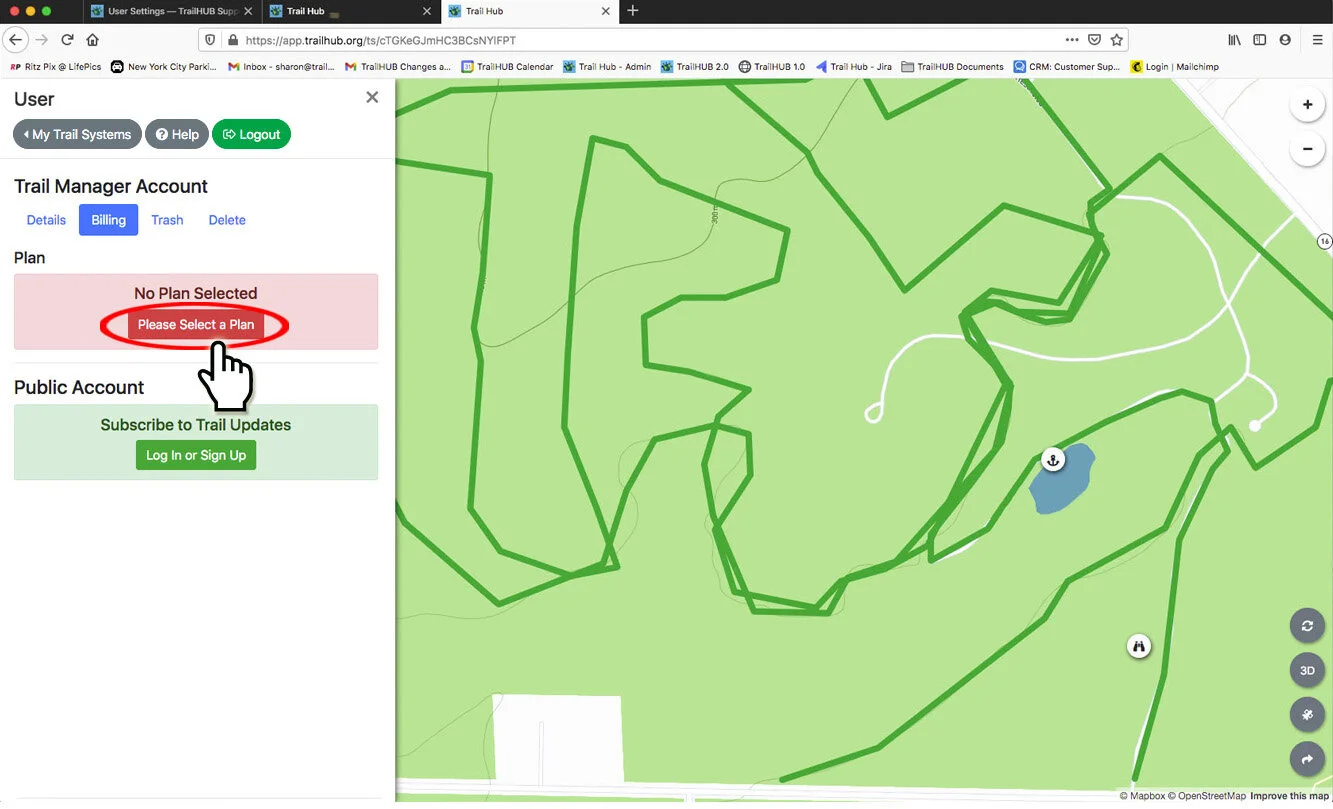
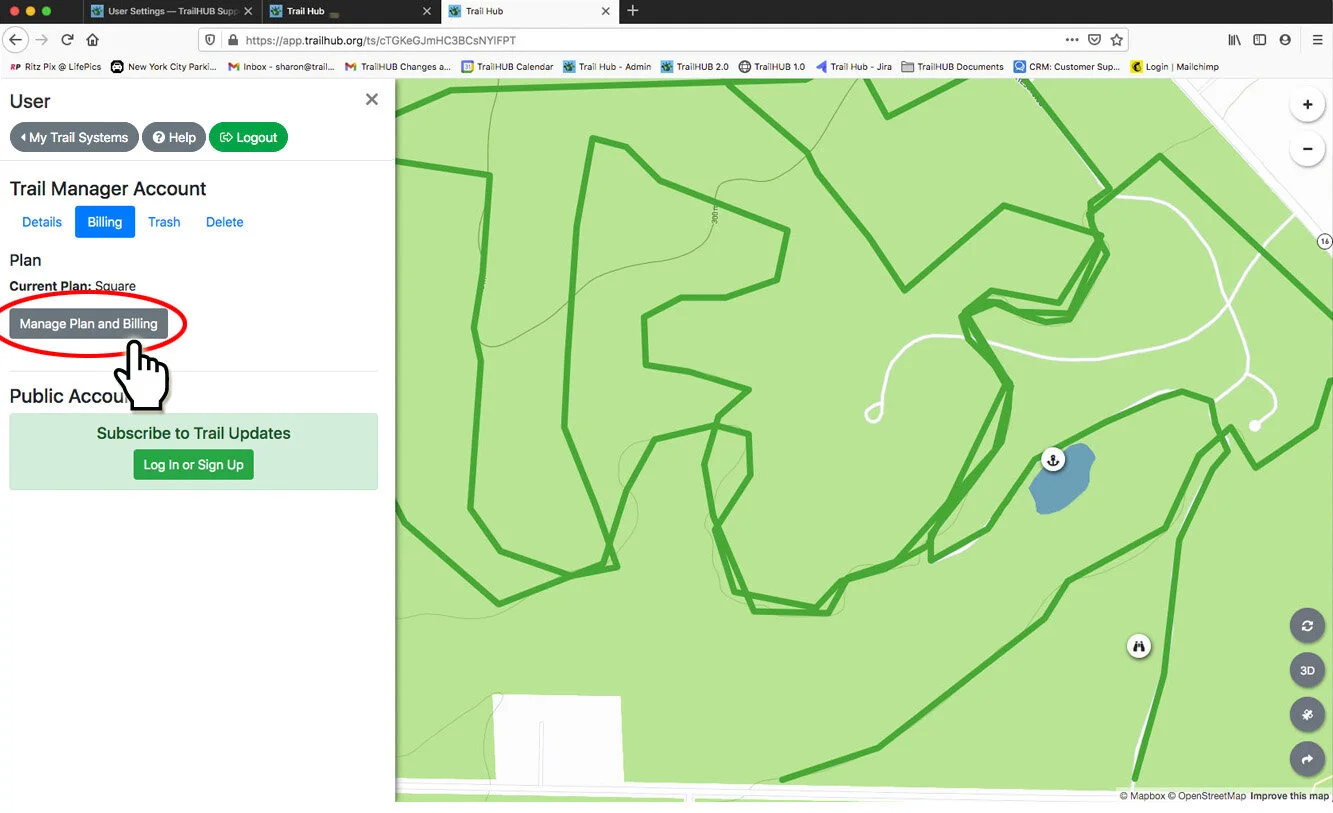
Everything about paying for TrailHUB lives in one place: trailhub.org/billing. You can also reach it from User Settings → Billing inside the app, and every billing email links straight to it.

#How plans work

  • One plan covers every trail system you own. Trustees of other people's trail systems never pay anything.
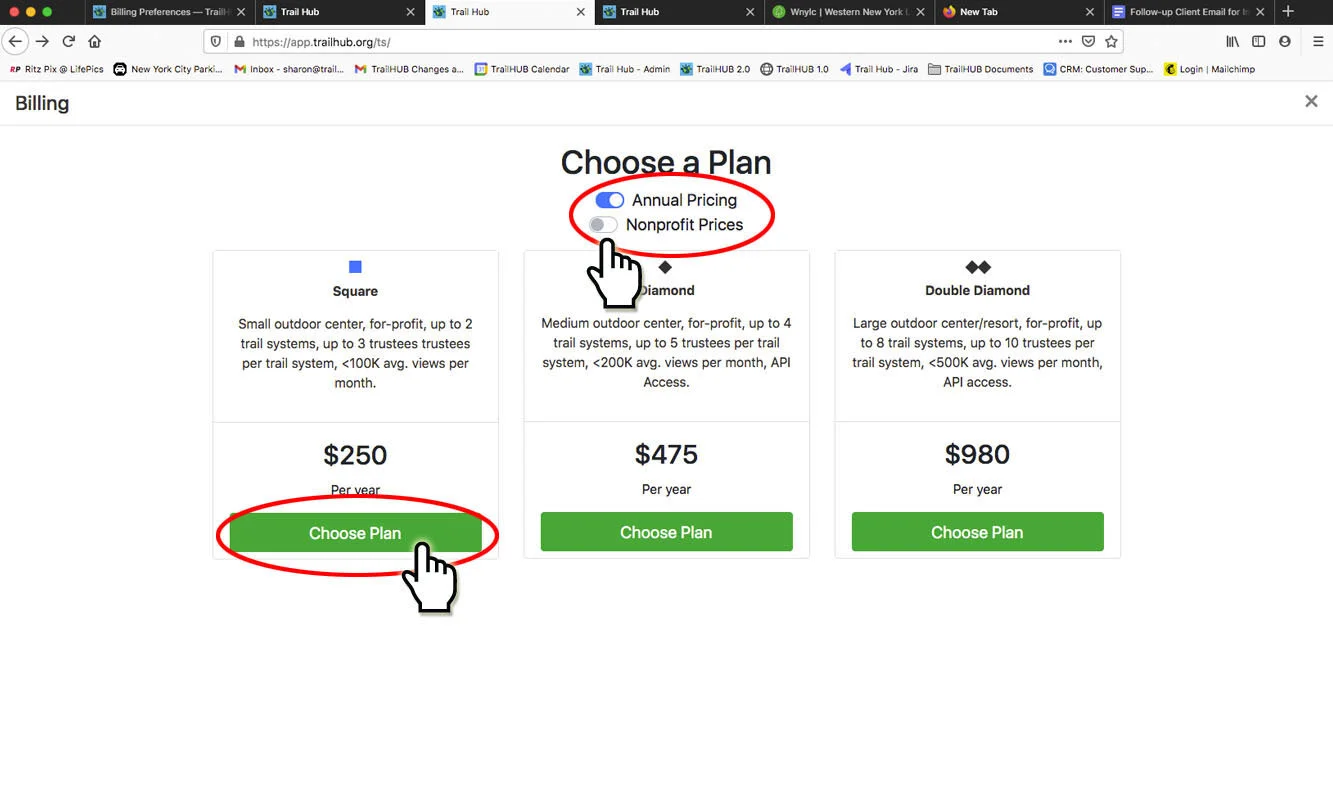
  • Plans are sized by how many trail systems you run: 2 (Square / Circle), 4 (Diamond / Triangle) or 8 (Double Diamond / Star). Nonprofit plans are the same features at a lower price. See Plans and pricing.
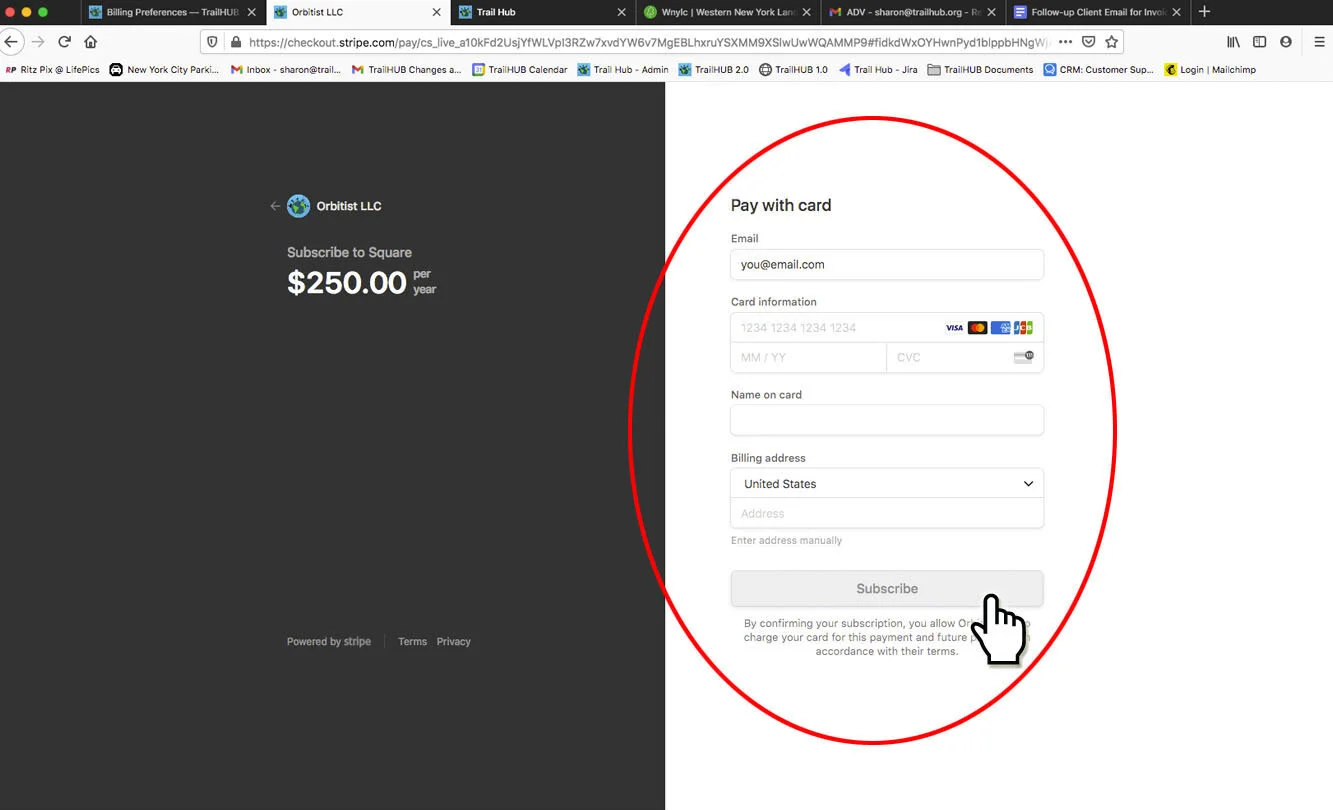
  • Payments are handled by Stripe. TrailHUB never sees your card number.

#Free trial

Every new trail system gets a free 30-day trial from the day it is created, with every feature turned on. You don't need a card to start.

  • 7 days before the trial ends you get an email; another arrives the day before.
  • A countdown banner appears inside the trail system for its managers during the last week.
  • If no plan is added, the trail system is paused when the trial ends (see below). Nothing is deleted.

#Choosing or changing a plan

  1. Open trailhub.org/billing and log in with your trail manager account.
  2. Toggle Annual pricing and Nonprofit pricing as needed, then click Choose on a plan. You'll be taken to Stripe Checkout.
  3. After paying, you're returned to the billing center. Your trail systems update within about a minute and you receive a confirmation email.

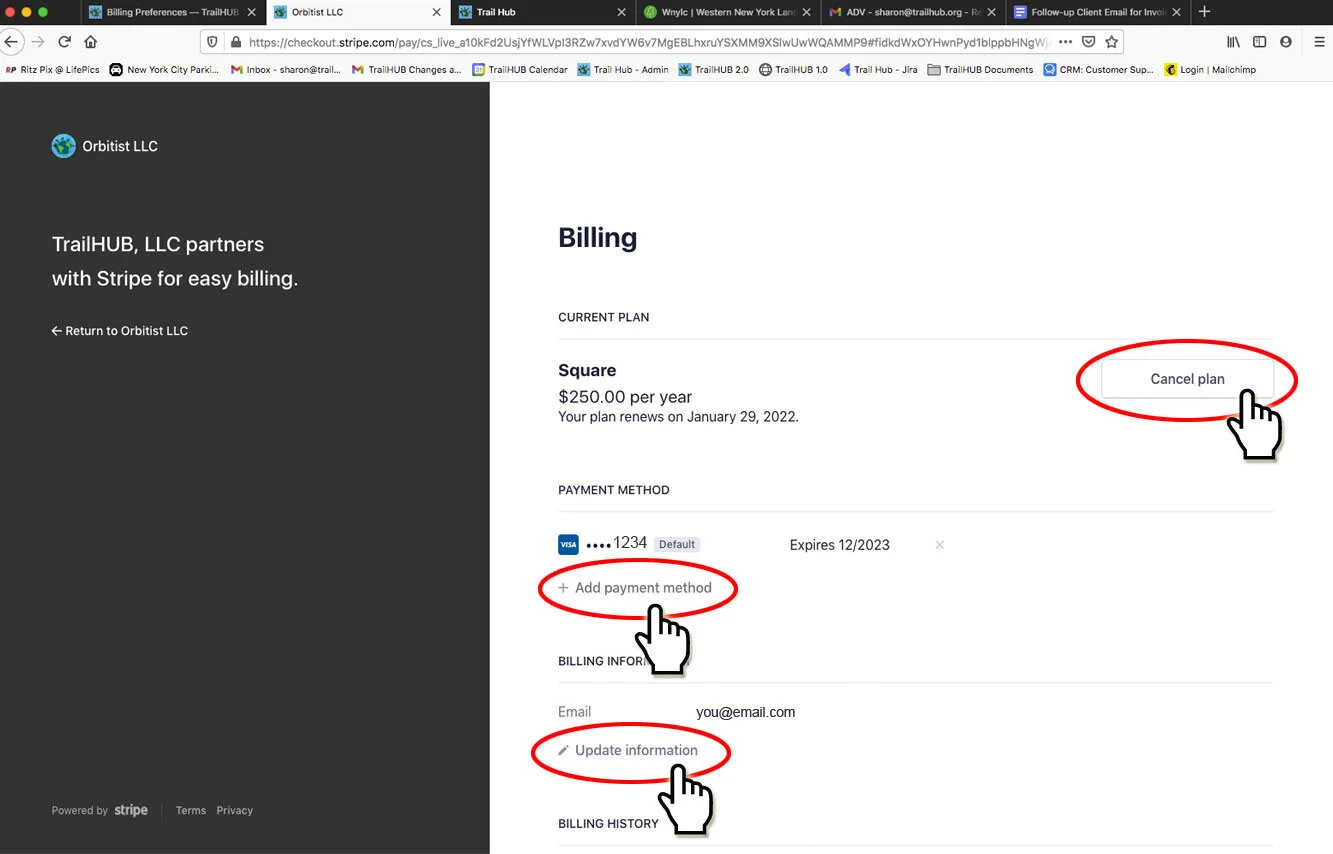
To change plans, update your card, download invoices or cancel, click Manage billing. This opens the Stripe customer portal for your account.

#If a payment fails

When a renewal can't be charged (an expired or declined card, usually):

  1. You get a payment failed email right away, and the trail system shows a red banner to its managers.
  2. Your trail system keeps working for a 14-day grace period while Stripe retries the card.
  3. Three days before the grace period ends you get a reminder.
  4. If the payment still fails, the trail system is paused.

Fix it by clicking Update payment in the email or banner, which opens the Stripe portal. Once a payment succeeds, the trail system is reactivated automatically.

#Paused trail systems

A trail system is paused when its trial ends without a plan, its grace period runs out, or its subscription ends.

  • The public sees a "This trail system is paused" notice instead of the map, on the direct link, embeds and QR code. The system also drops off the Explore map.
  • Managers can still log in and edit everything: trails, points, updates, settings. A banner at the top offers Reactivate.
  • Nothing is deleted. Choose a plan (or fix the payment) and the map is live again within a minute.

#Cancelling

Click Manage billing and choose cancel. Your plan stays active until the end of the period you've paid for; you'll get an email with the exact date, and the trail systems are paused after that. You can resume from the portal any time before then.

#Email you may receive

EmailWhen
Your free trial ends in 7 days / tomorrow7 and 1 days before a trial ends
Trail system pausedTrial ended, payment grace period expired, or subscription ended
Payment failedA renewal charge was declined
Will be paused on …3 days before the grace period ends
You're all setA plan was activated or reactivated
Your plan ends on …A cancellation was scheduled

All billing email comes from support@trailhub.org. Reply to any of them if something looks wrong.

#For administrators and API users

  • Each trail system's status is also visible in the Management API (billing on GET /api/v1/trail-systems/:id); see Management API.
  • Managing many trail systems for a parks system or agency? Contact us about a custom package.